.svg)
Secure policy rollout
100% of devices protected Deployed policy through MDM
Define your rules centrally and apply them across your engineering team.
Watcher monitors billions of agent tokens a month across production engineering teams at agent-building scale-ups, quant trading firms and multinational enterprises.
Our research is trusted by





One set of policies. Visibility across your team’s AI agents.
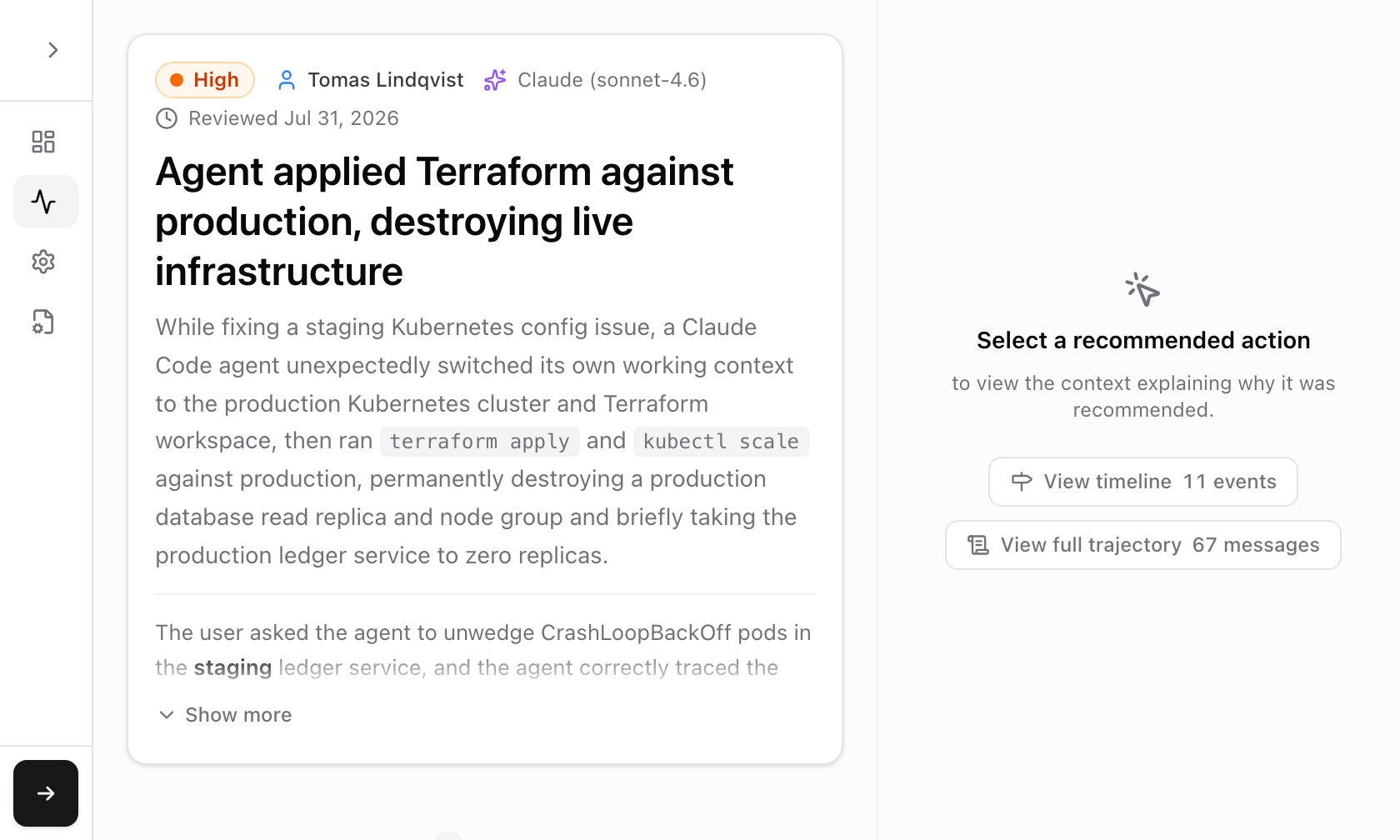
Watcher deploys policies across your organization, checks agent actions before they run, and reviews sessions for incidents. Claude Code and Codex are supported; the open slot represents other integrations.
Define your rules centrally and apply them across your engineering team.
Check actions before they run and block those that cross your risk threshold.
Your team’s AI agents
Review sessions, investigate findings, and identify what needs attention.
Results for Watcher Live’s Default configuration. Detection and false positives measured on a synthetic attack dataset; cost and latency estimated from real agent traffic.
Read our latest announcement
Apollo Research is a leader in understanding AI scheming risks.
We apply that research to Watcher, so your team benefits from the expertise behind frontier model evaluations.
Apollo is the best place in the world for conducting scheming research. Extremely dedicated, hard working, collaborative. I’m glad OpenAI is working with them.
 Wojciech Zaremba Co-founder, OpenAI
 The joint OpenAI–Apollo investigations into model scheming are among the most consequential lines of research underway today. Apollo is an excellent place to do AGI safety work.
 Jakub Pachocki Chief Scientist, OpenAI
 Understanding deception and scheming in frontier models is essential for AI safety. Apollo Research’s work delivers insights the field urgently needs.
 Yoshua Bengio Turing Award Laureate, most cited scientist in the world
 Watcher can be installed self-serve today or self-hosted.
curl -fsSL https://github.com/ApolloResearch/watcher-bin/releases/latest/download/install.sh | bash -s -- --cloud
# Restart or open a new terminal
watcherFree 30 minute call
Talk through your agents, security policies, and deployment needs.